
Paging, Sorting And Filtering
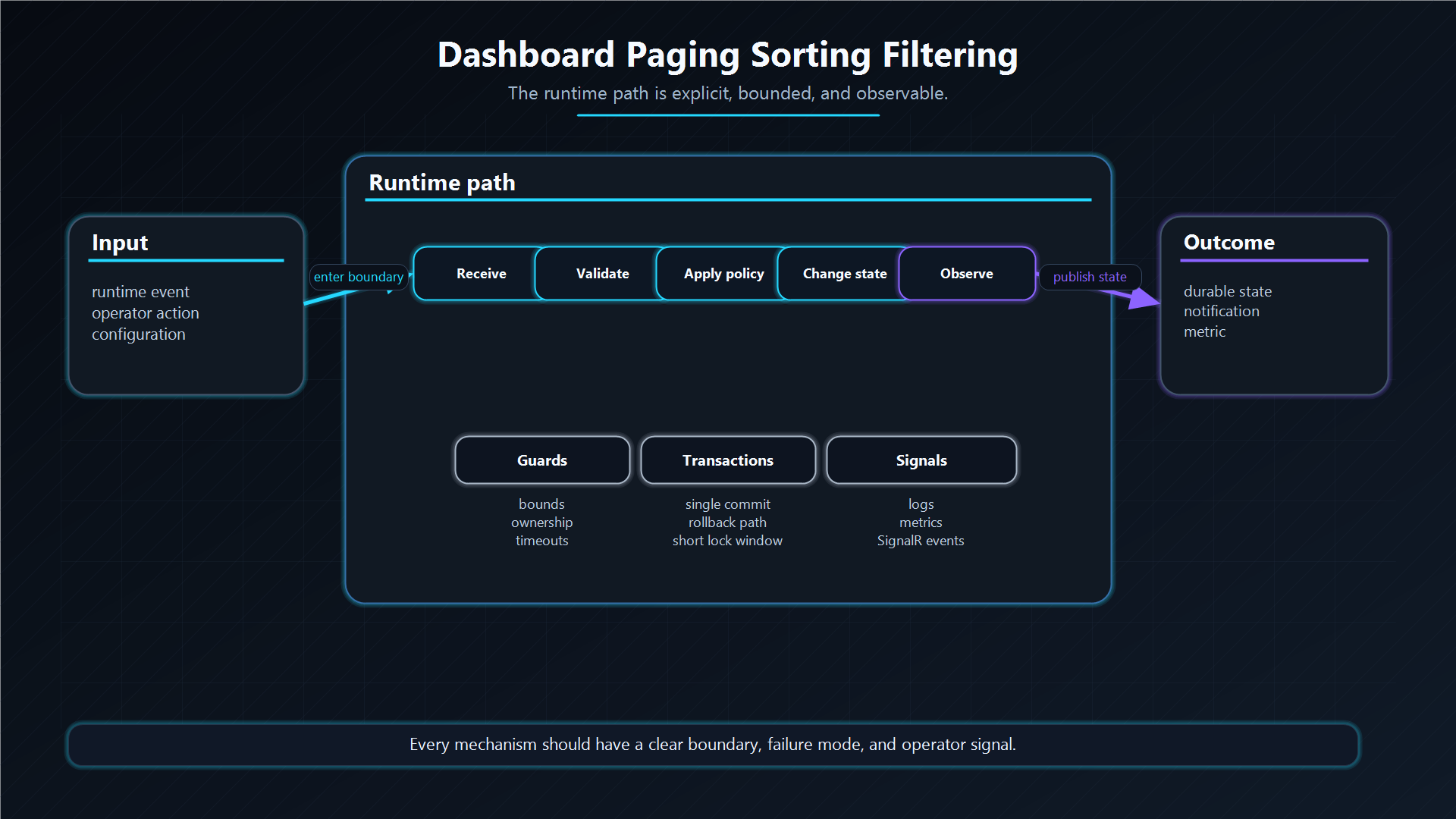
The Deck history views can inspect Archive and DLQ without turning the dashboard into an unbounded SQL scan.
Paging, sorting, and filtering are part of the operational safety model.
Paging Flow
- UI creates a
HistoryFilterDto. - Dashboard normalizes page number and size.
- Storage builds a filtered count query.
- Storage builds a paged data query.
- SQL uses
OFFSET @Offset ROWS FETCH NEXT @Limit ROWS ONLY. - The UI clamps the page after destructive operations if the current page no longer exists.
Sorting Safety
SQL sort columns are whitelisted by SqlSortBuilder. User-provided sort names do not become raw SQL column names.
Supported sort keys map to known columns such as:
Id;Queue;Type;CreatedAtUtc;- Archive
FinishedAtUtc; - DLQ
FailedAtUtc; FailureReason;AttemptCount.
Unknown sort keys fall back to the default date column.
Filtering
Filters can target queue, type, failure reason, date ranges, and search term. DLQ bulk filters are normalized at the hub boundary before reaching storage.
Architecture Decision
Why this pattern?
Operators need searchable history, but history tables can become large. The dashboard must page and whitelist queries so inspection remains safe.
Trade-offs
Search is intentionally bounded and operational, not a full analytics engine. Deep reporting should use dedicated analytics/export pipelines.
Alternatives considered
| Alternative | Benefit | Cost |
|---|---|---|
| Load all history | Simple UI. | Breaks at production scale. |
| Raw SQL sort/filter from UI | Flexible. | Injection and performance risk. |
| External search index | Powerful. | Extra infrastructure and consistency model. |
Additional Questions
Why whitelist sort columns?
Because dynamic ORDER BY cannot be parameterized like values.
Why clamp page after purge/requeue?
Bulk actions can remove the current page. The UI should move to a valid page instead of showing confusing empty state.
Is this an analytics layer?
No. It is operational inspection.